
Download Askimo
Native desktop app for macOS, Windows and Linux. Use it solo with your own API keys, or point it at a shared AI gateway so your whole team connects with just a URL. Your data stays on your device.
Get Started in Seconds
Choose your platform and download the native installer. No account required, no credit card, completely free.
View all releases on GitHub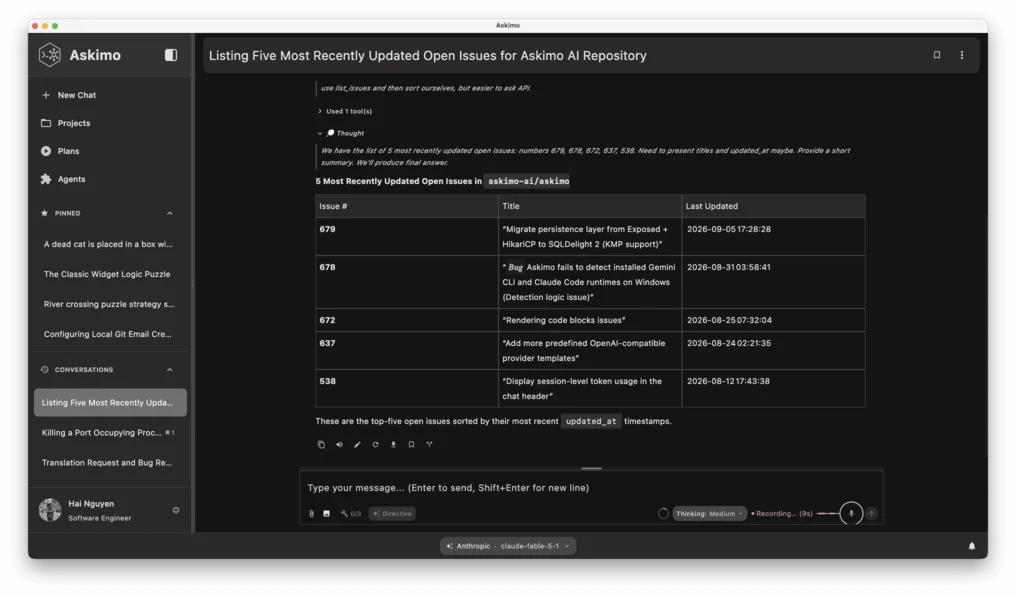
Installation Instructions
View full installation guideWhat you get
Frequently Asked Questions
Common questions about downloading and installing Askimo
Can my team use Askimo together?
Yes, in two ways. Each person can bring their own API keys and use Askimo independently, which works well for small groups. For teams that want shared access, you can run an OpenAI-compatible AI gateway on a shared server. Everyone connects Askimo to the gateway URL and gets access to all configured models with no personal API keys required. Spend limits and access can be managed centrally by whoever runs the gateway. A native Askimo Team edition with shared workspaces and collaboration features is also in development.
What are the system requirements?
macOS 11.0 (Big Sur) or later for Mac users. Windows 10 or later for Windows users. Ubuntu 20.04+, Debian 11+, or equivalent for Linux users. Java 21+ is required if you're installing via JAR file instead of native installers.
Which installer should I download?
For macOS: Choose Apple Silicon if you have an M1, M2, M3, or newer Mac. Choose Intel if you have an older Intel-based Mac. For Windows: The MSI installer works for all versions (x64 and ARM). For Linux: Choose x64 for most systems, or ARM64 if you're running on ARM-based hardware like Raspberry Pi.
Is Askimo safe to download?
Yes. Askimo is open source software licensed under GNU AGPL. All installers are digitally signed and distributed through GitHub Releases. You can review the source code at github.com/askimo-ai/askimo before downloading.
Why does Windows show "Windows protected your PC" when I install Askimo?
This is Windows SmartScreen, which shows this prompt by default for any application distributed outside the Microsoft Store, even when digitally signed. It does not mean the file is unsafe. Click "More info" then "Run anyway" to continue. You can always verify the installer and source code publicly at github.com/askimo-ai/askimo.
Do I need to create an account?
No account with Askimo is needed. Askimo is completely free and does not require registration. To use cloud AI providers (OpenAI, Claude, Gemini, Grok, etc.) you will need your own API key from each provider. For local models, you need Ollama or LM Studio running on your machine or local network. Askimo is the interface — you bring the AI access.
Do I need to bring my own API keys?
It depends on how you use Askimo. If you connect directly to cloud providers (OpenAI, Claude, Gemini, Grok), yes, you add your own API key in Settings. For local models (Ollama, LM Studio, LocalAI), the model server runs on your machine with no API key needed. If your team runs a shared AI gateway, you connect Askimo to the gateway URL instead and no personal API key is required at all. In every case, Askimo never supplies AI access itself.
How do I update Askimo?
Askimo will notify you when new versions are available. You can download the latest version from this page and install it over your existing installation. Your settings, chat history, and indexed data will be preserved during updates.
Can I install on multiple computers?
Yes! Askimo is free and open source. You can install it on as many devices as you want - your work laptop, home desktop, personal MacBook, etc. Each installation is independent with its own local data storage.